Back to School with MacBook Air: How It Helps Students Manage Classes, Projects and Daily Work

A new school or college year often means a long list of things to prepare. There are books, notebooks, assignments, presentations, online classes, group projects, and plenty of files to keep organized. For many students, a laptop becomes one of the most important tools they use every day.
At Chips, we know that students need a laptop that can keep up with schoolwork without making everyday tasks harder. The MacBook Air is one option worth considering because it combines a thin design, strong performance, long battery life, a quality display, and useful tools for study and communication.
Apple's current MacBook Air lineup includes 13-inch and 15-inch models. The current models use the M5 chip, start with 16GB of unified memory, and offer up to 18 hours of video streaming and up to 15 hours of wireless web use under Apple's testing conditions.
So, how can a MacBook Air actually help a student manage classes, projects, and daily work? Let's look at some practical ways.
You Can Keep Class Notes in One Place
Students often collect notes in many different places. One subject may use a notebook, another may use printed handouts, and another may send everything online.
A laptop can help bring much of that information together.
With a MacBook Air, students can create digital notes, organize documents into folders, save PDFs, and keep class materials easy to find. macOS also supports features such as window tiling, which can make it easier to work with more than one app at a time.
For example, you could have your online lecture on one side of the screen and your notes on the other. Or you could read a research article while writing down important points.
It sounds simple, but good organization can save a lot of time during a busy semester.
You Can Work on Assignments Without Feeling Limited
A student laptop needs to handle more than typing.
One day you may be writing an essay. The next day you may be making a presentation, working on a spreadsheet, editing a photo, or preparing a video for a class project.
The current MacBook Air uses Apple's M5 chip, with a 10-core CPU and options for up to 32GB of unified memory.
For everyday student work, that gives you plenty of room to move between common tasks.
You can research online, work on a document, check email, listen to music, and switch between apps without needing a separate computer for every activity.
Of course, students with very specialized needs, such as advanced 3D work or professional video production, should check the software requirements for their course before choosing a laptop. A student's field of study matters when selecting any computer.
You Can Make Online Classes Easier
Online learning has now become a normal part of education for many students.
The MacBook Air has a 12MP Center Stage camera with support for Desk View. It can record 1080p video and uses computational video processing to improve video quality.
That can be useful for:
- Online classes
- Video calls
- Group projects
- Virtual study sessions
- Presentations
- Meetings with teachers
Center Stage can keep you centered in the frame during supported video calls, which can be helpful if you move around while talking.
The MacBook Air also has a three-microphone array with directional beamforming and voice processing features designed to improve voice clarity during calls.
For a student who spends part of the week learning online, these built-in tools can reduce the need for extra equipment.
You Can Work Longer Between Charges
Battery life is important when you are moving between classes.
You may start your day at home, attend lectures, study in the library, meet classmates for a project, and return home in the evening. Carrying a charger everywhere can be inconvenient.
Apple rates the current MacBook Air for up to 18 hours of video streaming and up to 15 hours of wireless web use. Actual battery life depends on how the laptop is used, settings, and other factors.
That does not mean every student will get exactly 18 hours. Activities such as video calls, demanding apps, high brightness, and heavy workloads can use more power.
Still, the long battery rating can make the MacBook Air practical for a full day of classes and study.
For students, that matters.
You want to focus on the assignment in front of you, not constantly look for an available power outlet.
You Can Choose the Screen Size That Fits Your Study Style
The MacBook Air comes in two main sizes.
The 13-inch model has a 13.6-inch Liquid Retina display, while the larger model has a 15.3-inch Liquid Retina display. Both offer 500 nits of brightness, support one billion colors, and include wide color and True Tone technology.
So which one should a student choose?
The 13-inch MacBook Air can be easier to carry between classrooms, libraries, and home. It is a good fit for students who value portability.
The 15-inch MacBook Air gives you more screen space. That can be useful when reading long documents, working with spreadsheets, creating presentations, or keeping multiple windows open.
Neither size is automatically right for every student.
If you carry your laptop around campus all day, the smaller model may be more convenient. If most of your work happens at a desk, the larger screen may be more comfortable.
You Can Handle Group Projects More Easily
Group projects can be challenging even before the actual work begins.
Students need to share files, edit documents, communicate with classmates, prepare presentations, and keep track of changes.
A MacBook Air gives you a full desktop operating system, making it easier to work with different types of files and applications.
You can use your browser for research, a document app for writing, presentation software for slides, and communication tools for your group.
The MacBook Air also supports external displays. Current models can support up to two external displays in addition to the built-in display under supported configurations.
That may be more than most students need, but it can be useful if you eventually use your MacBook Air at a desk with a larger monitor.
You Can Make Research Less Messy
Research can quickly become difficult when you have dozens of browser tabs open.
A MacBook Air gives students the screen space and performance needed to research topics while working on another document.
For example, you could:
- Find information in your browser.
- Read a PDF.
- Take notes.
- Add useful information to your assignment.
- Save your sources in an organized folder.
The goal is not simply to have a powerful laptop. It is to have a tool that makes your workflow easier.
For students, a well-organized digital system can make a big difference when deadlines start to arrive.
You Can Use Apple Intelligence for Everyday Tasks
The current MacBook Air supports Apple Intelligence, Apple's built-in intelligence system. Apple describes it as a way to help users write, express themselves, and get things done across supported experiences.
For students, AI features can be useful for certain everyday tasks.
For example, they may help with writing support, organizing information, or working with content.
But we recommend using AI as a learning tool, not as a way to avoid learning.
Students should always check facts, understand their work, and follow their school's or university's rules about AI use.
If an assignment requires your own writing or research, submitting AI-generated work without permission could break academic rules.
Technology works best when it supports your learning rather than replacing it.
You Can Connect Your MacBook Air with Other Devices
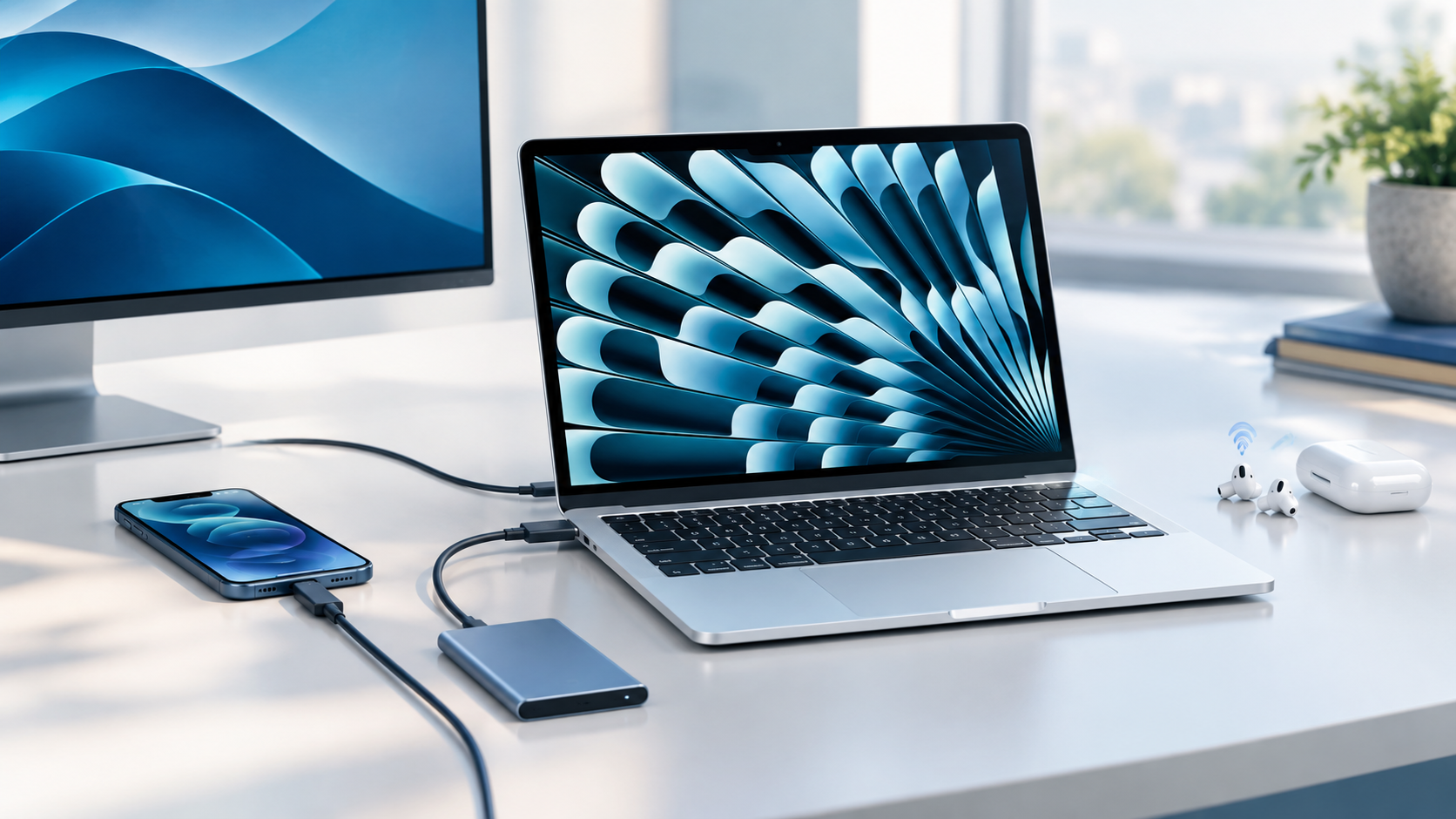
Many students already use a smartphone every day.
If you also use an iPhone, the MacBook Air can fit into Apple's wider ecosystem. Apple includes features such as iPhone Mirroring and Sidecar in macOS, which can help users work across Apple devices.
This can be useful when you need to move between your phone and laptop during the day.
For example, your phone may be useful for quick communication while your MacBook handles longer writing, research, and project work.
The benefit is not just having two Apple devices. It is being able to use them together in ways that can reduce repeated work.
You Get a Better Setup for Presentations
Presentations are a regular part of school and college life.
Students may need to create slides, add images, edit text, practice their presentation, and then connect their laptop to a classroom display.
The MacBook Air supports external displays through its Thunderbolt 4 ports.
It also has a backlit Magic Keyboard with Touch ID and a Force Touch trackpad.
That makes everyday typing, navigation, and logging into supported services straightforward.
A backlit keyboard can also be useful when working in lower-light environments, such as a library or during an evening study session.
You Can Store Your School and College Files
The MacBook Air is available with different storage options.
The current lineup starts at 512GB on Apple's listed configurations, with options going up to 1TB, 2TB, and 4TB depending on the model and configuration.
For most students, storage needs will depend on the type of work they do.
A student mainly working with documents and presentations may not need several terabytes of storage.
A photography, film, design, or media student may need much more space because high-resolution photos and videos can take up storage quickly.
Think about the files you expect to keep for several years, not just what you have today.
You Can Easily Take It from Class to Home
One of the biggest advantages of a MacBook Air is its portability.
The current 13-inch model weighs about 1.23 kg, while the 15-inch model weighs about 1.51 kg. Both are about 1.15 cm thick.
That makes the MacBook Air practical for students who move around during the day.
You can take it to class, bring it to the library, use it at home, and carry it when meeting classmates.
A laptop that is powerful but too heavy may end up staying at home.
A laptop that is easy to carry is more likely to become part of your everyday routine.
MacBook Air for Students: 13-Inch or 15-Inch?
This is one of the most common questions students ask.
Choose the 13-inch MacBook Air if you want:
- Easier portability
- A smaller footprint
- A laptop for classrooms and libraries
- A lighter device for daily travel
- A compact study setup
Consider the 15-inch MacBook Air if you want:
- More screen space
- More room for side-by-side windows
- A larger workspace for presentations
- More comfortable viewing for long documents
- A laptop that can double as a larger home workstation
Both sizes offer the same broad MacBook Air experience, so your choice should come down to how you plan to use and carry the laptop.
Is MacBook Air Good for Students?
For many students, yes. The MacBook Air provides great performance, portability, battery life, and features that are useful for everyday school and college work.
Apple itself positions Mac computers for students around performance, long battery life, and multitasking.
The current MacBook Air also starts with 16GB of unified memory and offers the M5 chip, making it suitable for a wide range of everyday student tasks.
However, students should always consider their course requirements before buying.
If your university requires Windows-only software, specialist engineering programs, or other applications that have limited macOS support, check compatibility first.
Frequently Asked Questions
1. Is 13-inch or 15-inch MacBook Air better for students?
It depends on how you study. The 13-inch model is easier to carry, while the 15-inch model provides more screen space for multitasking, documents, presentations, and other work.
2. How long does MacBook Air battery last?
Apple rates the current MacBook Air for up to 18 hours of video streaming and up to 15 hours of wireless web use. Actual battery life varies based on usage and settings.
3. How much RAM does MacBook Air have?
The current MacBook Air starts with 16GB of unified memory. Depending on the configuration, it can be upgraded to 24GB or 32GB.
4. Can students use MacBook Air for online classes?
Yes. The current MacBook Air has a 12MP Center Stage camera, 1080p video recording, and a three-microphone array designed to support clear video and audio during calls.
5. Can MacBook Air handle group projects?
Yes. Students can use it for documents, presentations, web research, communication, file management, and other common group-project tasks. It can also support external displays when a larger workspace is useful.
6. Is MacBook Air good for school assignments?
For most everyday assignments, it can be a practical choice. It offers the performance needed for writing, research, presentations, spreadsheets, online learning, and many creative tasks.
Final Thoughts
A good student laptop should do more than look good in a backpack.
It should help you get through a full day of classes, keep your files organized, handle assignments, support online learning, and give you enough performance to grow with your studies.
The MacBook Air brings these needs together in a thin and portable laptop. The current models offer the M5 chip, at least 16GB of unified memory, Liquid Retina displays, a 12MP Center Stage camera, long battery life, and support for Apple Intelligence.
At Chips, we recommend looking at your actual study habits before choosing a model. Think about the size of your files, the software required for your course, how often you carry your laptop, and whether you prefer a smaller or larger screen.
And when you are ready to shop, Chips makes it simple to explore Apple products and other student-friendly technology in Kuwait. Visit the store today.